

Every week, someone asks a version of the same question: “I have an idea for an app. How much will it cost to build?” It’s a fair question, and it deserves a better answer than “it depends”.
This guide gives you realistic 2026 price ranges for mobile app development in Canada, explains exactly what moves the price up or down, and covers the ongoing costs that surprise many first-time founders. We design and build apps end to end, from the interface to the backend, databases, cloud and security, so these numbers reflect the whole product, not just the screens.
The short answer
| Type of app | Typical cost | Typical timeline |
|---|---|---|
| Clickable prototype | $5,000–$15,000 | 2–4 weeks |
| Minimum viable product (MVP) | $25,000–$60,000 | 2–4 months |
| Established business app | $60,000–$150,000 | 4–8 months |
| Complex platform or marketplace | $150,000–$400,000+ | 8–12+ months |
These ranges assume a professional team handling strategy, design, front end, backend, testing and launch. Offshore freelancers can quote lower; enterprise consultancies often quote far higher. What matters is what’s included and whether the result is secure, maintainable and ready to grow.
App cost by type
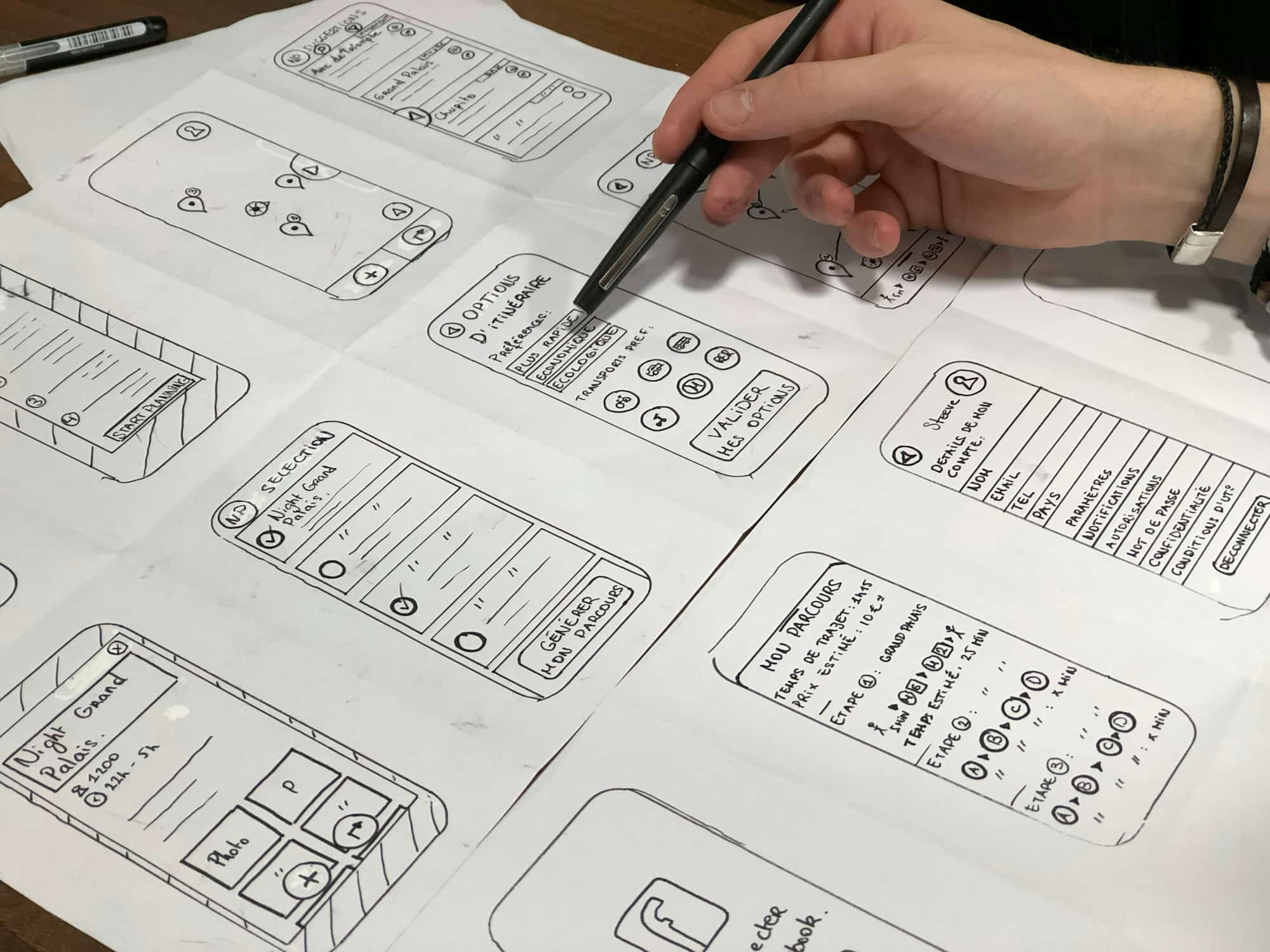
Clickable prototype: $5,000 to $15,000
A realistic, tappable design of your app with no working backend. Prototypes are ideal for testing an idea with customers or presenting it to investors before committing to a full build.
Minimum viable product: $25,000 to $60,000
The smallest version of your app that real users can rely on: accounts, the one or two core features that deliver value, a secure backend and basic admin tools. A good MVP is not a cheap app; it’s a focused one.
Established business app: $60,000 to $150,000
Apps for existing businesses: customer portals, booking and ordering, loyalty programs, field-service tools or member apps. These usually integrate with the systems you already use, such as payments, CRM, accounting or scheduling.
Complex platforms: $150,000 to $400,000+
Marketplaces, social and media platforms, real-time features, heavy data processing or multiple user types (for example customers, staff and administrators), each with their own app or dashboard.
What drives the cost of an app
The number of screens is a poor predictor of cost. These factors matter far more:
- Features and business logic. Search, messaging, payments, bookings, maps, notifications and offline mode each add design, engineering and testing time.
- The backend. Most apps need a server, a database and an API behind them. This is the part users never see and the part that makes everything work, securely.
- Integrations. Connecting to payment processors, CRMs, accounting software or legacy systems often takes longer than building new features.
- Platforms. iPhone only, Android only, both, plus a web app or admin dashboard. We cover the trade-offs below.
- Design depth. A polished, custom interface with thoughtful animation costs more than standard components, and usually earns better reviews and retention.
- Security and privacy. Apps handling personal, health or payment data need careful engineering. The OWASP Top Ten (opens in a new tab) is a widely used reference for the most common web application security risks, and Canadian businesses collecting personal information must also meet PIPEDA (opens in a new tab) obligations.
- Admin tools and reporting. Someone on your team needs to manage users, content and orders. Admin dashboards are often forgotten in early estimates.
Native, cross-platform or web app?
This single decision can change your budget more than any feature:
| Approach | What it means | Cost impact | Best for |
|---|---|---|---|
| Native (separate iOS and Android) | Two codebases, platform-specific code | Highest | Apps needing deep device features or top performance |
| Cross-platform | One shared codebase for iOS and Android | Moderate | Most business apps and MVPs |
| Web app / progressive web app | Runs in the browser on any device | Lowest | Portals, dashboards, validating an idea |
For many businesses, starting with a web app or a cross-platform build is the smartest route: you reach every device, learn from real users, and invest in native features once demand is proven.
Ongoing costs after launch
An app is never really “finished”. Plan for these running costs from the start:
- App store fees. Publishing on the App Store requires the Apple Developer Program (opens in a new tab), which costs US$99 per year. Publishing on Google Play requires a one-time US$25 registration fee (opens in a new tab). Both stores may also take a commission on in-app purchases and subscriptions.
- Hosting and infrastructure. Servers, databases, file storage and monitoring. Small apps may cost tens of dollars a month; busy platforms cost much more as usage grows.
- Maintenance. Apple and Google release new operating system versions every year, and third-party services change their APIs. A common rule of thumb is to budget 15–20% of the original build cost per year for updates, fixes and security patches.
- Store review and compliance. Apps must follow the App Store Review Guidelines (opens in a new tab) and Google Play’s policies. Planning for them early avoids costly rejections at launch.
- Marketing. A great app still needs a launch plan, a website that explains it and search visibility so people can find it.
How to reduce cost without cutting corners
- Start with a real MVP. Identify the one problem your app solves and build that exceptionally well. Everything else goes on the roadmap.
- Prototype first. A clickable prototype lets you test with real customers for a fraction of the cost of building the wrong thing.
- Choose cross-platform or web first. One codebase reaches more people for less.
- Use proven services. Payments, authentication, email and maps don’t need to be built from scratch; integrate established providers.
- Design the backend to grow. Cheap shortcuts in the data model are the most expensive thing to fix later.
- Keep one team accountable. Splitting design, front end and backend across unrelated vendors often adds coordination cost and risk.
Example budgets: three realistic scenarios
Ranges are useful, but it helps to see how they apply to real kinds of projects. Here are three common scenarios and what typically drives each budget.
1. A booking app for a local service business: $30,000 to $60,000
Picture a clinic, salon or trades company that wants customers to book, reschedule and pay online. The core features are a service menu, real-time availability, bookings, reminders and payments, plus a simple admin view for staff. Built cross-platform or as a web app, this is a classic MVP. Costs rise if it must sync with existing scheduling or accounting software, or if staff need their own app for the day’s jobs.
2. A customer portal for an established company: $60,000 to $120,000
A contractor or supplier wants clients to log in, see project progress, approve quotes, upload documents and message the team. The screens are straightforward; the budget goes into the backend: user roles and permissions, secure file storage, integration with the company’s CRM or job-management system, notifications and an audit trail. Security and privacy work is a meaningful share of this project because it handles client information.
3. A two-sided marketplace or media platform: $150,000+
An app that connects two groups, such as customers and service providers, or an entertainment platform with content, profiles and community features. Each side needs its own journeys, there are payments and payouts, moderation and admin tools, search and recommendations, and infrastructure that must scale if the launch goes well. These projects are usually delivered in phases, starting with a focused first release.
In every scenario, the fastest way to a reliable estimate is a short discovery phase that turns the idea into a written scope. It costs a fraction of the build and prevents the most expensive mistake in software: building the wrong thing well.
How long it takes to build an app
Most professional app projects follow a similar path:
- Discovery and planning (2–4 weeks): goals, users, features, data and a written scope.
- Design (3–6 weeks): user journeys, wireframes and polished screens for each platform.
- Engineering (2–6+ months): the app, backend, database, integrations and admin tools.
- Testing and launch (2–4 weeks): device testing, security review, store submission and release.
If you also need a marketing website to launch the app, plan the two together. Our website cost guide covers that side of the budget.
At WebSolArch we handle the whole product: strategy, UI/UX, the app, the backend and database, cloud infrastructure, security and launch marketing. See how we approach app development in Toronto, or the custom software behind it.
Frequently asked questions
How much does it cost to make a simple app?
A simple app with a handful of screens, basic accounts and a small backend typically costs $25,000 to $60,000 in Canada when built professionally.
Why is app development so expensive?
An app is several products at once: the interface, the backend and database, integrations, security and testing across many devices. Each needs skilled design and engineering time.
How much does it cost to maintain an app per year?
A common rule of thumb is 15–20% of the original build cost per year for OS updates, bug fixes, security patches, hosting and small improvements.
Is it cheaper to build a web app than a mobile app?
Often, yes. A web app runs on every device from one codebase and avoids app store review, which makes it a strong first step for many businesses.


 Mohammad Alhawamdeh