

If you’re building or rebuilding a business website, you’ve probably narrowed it down to four options: Wix, Squarespace, WordPress, or hiring someone to build a custom site. Each can be the right answer, and each can be an expensive mistake for the wrong business.
We build custom websites for a living, so we’ll be upfront about our bias. But we also regularly tell people that a website builder is the smarter choice for them. This comparison aims to help you make that call honestly.
The quick verdict
| Wix | Squarespace | WordPress | Custom | |
|---|---|---|---|---|
| Ease of setup | Very easy | Very easy | Moderate | Done for you |
| Design freedom | High, within the editor | Moderate, template-led | High, with themes and code | Unlimited |
| SEO control | Good basics | Good basics | Extensive | Complete |
| Performance | Depends on the site | Depends on the template | Depends on theme and plugins | Engineered for speed |
| Ownership | Platform-hosted | Platform-hosted | Yours (self-hosted) | Yours |
| Maintenance | Handled by Wix | Handled by Squarespace | Your responsibility | Included with a care plan |
| Best for | DIY small businesses | Creatives, simple brands | Content-heavy sites | Businesses that win customers online |
For context on how popular each option is, W3Techs’ ongoing content management system survey (opens in a new tab) reported, at the time of writing, that WordPress is used by about 40% of all websites, while Wix is used by roughly 4% and Squarespace by roughly 2%. Popularity isn’t the same as fit, but it explains why WordPress has the largest ecosystem of themes, plugins and developers.
Wix: flexible and beginner-friendly
Wix is an all-in-one website builder with a drag-and-drop editor and a large app market for bookings, stores, events and more. Hosting, security and updates are handled for you, and you can see current plan options on the Wix plans page (opens in a new tab).
Where Wix shines
- Very fast to get a presentable site online without technical skills.
- Lots of layout freedom inside the editor.
- Built-in business features for bookings, e-commerce and email marketing.
Where Wix falls short
- Freedom can lead to inconsistent layouts, especially on mobile.
- You can’t export your design or move the site to another host.
- Advanced features and integrations are limited to what the platform supports.
Squarespace: polished templates
Squarespace is known for elegant, design-led templates. It trades some of Wix’s freedom for more structure, which often produces a cleaner result for non-designers. Its current plans are listed on the Squarespace pricing page (opens in a new tab).
Where Squarespace shines
- Beautiful templates that look professional out of the box.
- Structured editing that’s hard to break.
- Solid for portfolios, restaurants, creatives and simple service businesses.
Where Squarespace falls short
- Less layout flexibility than Wix or WordPress.
- Your site can resemble others using the same template.
- Limited options for complex features, custom integrations or large content libraries.
WordPress: control and a huge ecosystem
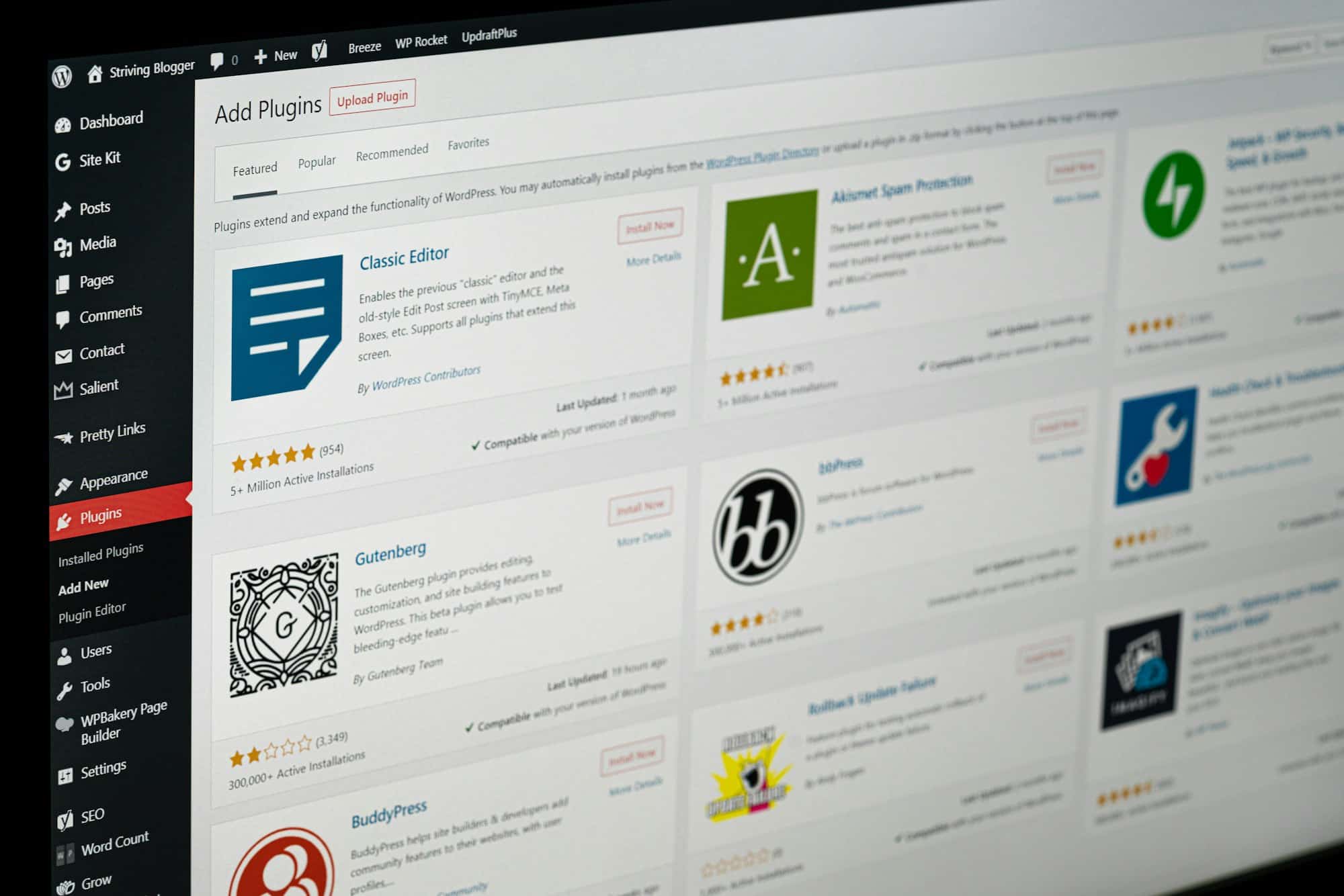
WordPress is open-source software you install on your own hosting. As WordPress.org explains (opens in a new tab), it’s free to use and modify, and it can power anything from a simple blog to a large business site through themes and plugins.
Where WordPress shines
- Full ownership: you can move hosts and export everything.
- A vast library of themes and plugins for almost any feature.
- Excellent for content-heavy sites and blogs.
Where WordPress falls short
- You’re responsible for hosting, updates, backups and security.
- Stacking plugins can slow the site down and create conflicts.
- Quality varies widely between themes and plugins.
A custom website: built around your business
A custom website is designed from a blank canvas for your brand and your customers, then engineered for speed, security and search. There’s no template to work around, and every page is built for a purpose. It’s what we do at WebSolArch (see our custom website design service), and it’s the right fit when your website is a primary source of customers.
Where custom shines
- A design that looks and feels like your business, not like a template.
- The best performance, because nothing unnecessary is loaded.
- Any feature or integration you need, including bookings, portals and apps.
- Complete ownership of the design, code and content.
Where custom falls short
- Higher upfront cost. Our website cost guide covers realistic ranges.
- Takes longer to launch than a builder.
- Depends on choosing a good partner for build and support.
Head-to-head: design, SEO, speed and ownership
Design
Builders give you a head start; custom gives you a finish line that’s entirely your own. If your competitors all look alike, distinctive design is one of the easiest ways to stand out.
SEO
All four options can rank. Page titles, descriptions, headings and clean URLs are available everywhere. The differences show up in technical control: structured data, redirects, page speed and site architecture are easier to perfect on WordPress or a custom build.
Speed
Speed affects both rankings and conversions. Google’s Core Web Vitals (opens in a new tab) set clear targets: the main content should load within 2.5 seconds, pages should respond to interactions in 200 milliseconds or less, and layouts should stay stable. Any platform can hit these targets on a simple page; custom builds make it much easier on content-rich, image-heavy sites.
Ownership and portability
With Wix and Squarespace you rent your website. You own your content and domain, but not the design or the platform. With WordPress and custom sites, you own everything and can move it wherever you like.
Cost over three years
Compare the total, not the monthly fee: subscriptions, premium apps or plugins, your own time, and the cost of a rebuild if you outgrow the platform. Builders are cheapest at the start; custom sites often cost less per year over a longer life because they don’t need replacing when the business grows.
Wix vs Squarespace, Wix vs WordPress, WordPress vs Squarespace
Wix vs Squarespace
Choose Squarespace if you want a refined look with minimal decisions. Choose Wix if you want more freedom to arrange things yourself and a wider range of built-in apps. For most simple service businesses, either works; the bigger decision is whether a builder is right at all.
Wix vs WordPress
Wix is easier and fully managed; WordPress is more powerful and fully yours, but needs maintenance. If you plan to publish a lot of content or need unusual features, WordPress usually wins. If you want to launch this weekend and never think about updates, Wix is simpler.
WordPress vs Squarespace
Squarespace is the low-maintenance, design-first option; WordPress is the flexible, own-everything option. Creatives and small brands often prefer Squarespace; growing businesses with content and integrations tend to prefer WordPress or custom.
What about Shopify?
If selling products online is the heart of your business, Shopify belongs in the conversation. In the same W3Techs survey (opens in a new tab), Shopify was used by around 5% of all websites at the time of writing, more than Wix or Squarespace. It’s purpose-built for e-commerce, with inventory, checkout, payments and shipping handled well out of the box.
For service businesses, Shopify is usually the wrong tool. For product businesses, it’s often the right foundation, and a custom-designed storefront on top of it can combine Shopify’s commerce engine with a brand experience that doesn’t look like every other store.
Moving from a builder to a custom site
Many businesses start on Wix or Squarespace and move to a custom website as they grow. That’s a perfectly sensible path, as long as the move is handled carefully (it’s exactly what our website redesign services cover):
- Inventory what you have. Every page, blog post, image and form, plus which pages bring in traffic and enquiries today.
- Keep or improve your URLs. Where addresses change, set up permanent redirects from old URLs to new ones so you keep the search visibility you’ve earned.
- Move your domain and email thoughtfully. Changing DNS records at the wrong moment is the most common cause of lost email during a relaunch.
- Improve, don’t just copy. A rebuild is the ideal moment to fix structure, speed and content that held the old site back.
- Monitor after launch. Watch search performance and fix any broken links in the first weeks.
How to decide
Thinking about an AI website builder instead? We compare that option in AI website builders vs custom websites.
Frequently asked questions
Is Wix or Squarespace better for a small business?
Squarespace suits businesses that want a polished, design-led site with minimal effort; Wix suits owners who want more layout freedom and built-in business apps.
Is WordPress better than Wix for SEO?
WordPress offers more technical control, but that only helps if it’s used well. Wix covers the basics for most small sites.
Can I move my Wix or Squarespace site to another platform later?
You can move your content and domain, but the design generally can’t be exported, so moving usually means a rebuild.
When is a custom website worth it?
When your website is a main source of customers, when you need features a builder can’t handle, or when your brand needs to stand apart.

 Mohammad Alhawamdeh