

Most business apps don’t fail because of bad code. They fail because they solve a problem nobody has, try to do too much in the first version, or launch without a plan for what happens next. The good news is that every one of those problems can be avoided with the right process.
This guide walks through how to build an app for your business, step by step: from validating the idea to launching on the App Store and Google Play and growing it afterward. It’s the same process we follow with every app development project.
Before you start: do you need an app?
An app is a significant investment, so it’s worth asking honestly whether you need one. A mobile app makes the most sense when customers use your service often, need it on the go, benefit from notifications, or need features a website can’t offer well, like offline access, location or the camera.
If people interact with you occasionally or mostly from a desk, a well-built website or web application may deliver the same value faster. Many businesses start with a web app and add mobile apps once demand is proven.
Step 1: Define the problem and validate it
Start with one sentence: who is this app for, and what problem does it solve for them? “Our clients can book and pay for appointments in under a minute” is a clear problem. “An app for our business” is not.
Then test that the problem is real before writing any code:
- Talk to ten to twenty real customers about how they handle the problem today.
- Look at what competitors offer and where their reviews say they fall short.
- Ask whether customers would switch, pay or change their habits to use your solution.
Step 2: Plan your MVP
A minimum viable product (MVP) is the smallest version of your app that solves the core problem well. It’s not a half-finished app; it’s a complete, polished app with a deliberately short feature list.
List every feature you can imagine, then sort them into three groups:
| Group | What goes in it | Example (booking app) |
|---|---|---|
| Must have | Without it, the app doesn't solve the problem | Browse services, book a time, pay, confirmation |
| Should have | Valuable, but the app works without it | Rebooking, favourites, reviews |
| Later | Nice ideas to test once people are using the app | Loyalty rewards, referrals, chat |
Build only the first group for launch. Real usage will tell you which of the rest actually matter, and it often surprises everyone.
Step 3: Choose your platform
You have three main options:
- Cross-platform app. One codebase that runs as a native-quality app on both iPhone and Android. This is the right choice for most businesses, because it launches on both stores at once and keeps features in sync.
- Fully native apps. Separate apps written specifically for iOS and Android. Worth it for apps that push the limits of the device, such as advanced graphics or heavy hardware use.
- Web app. Runs in the browser on any device, with no app store required. Fast to launch and easy to update, but with fewer device features.
You’ll also need developer accounts to publish. The Apple Developer Program (opens in a new tab) is an annual membership (US$99 per year), and a Google Play developer account has a one-time registration fee, as explained in Google’s Play Console guide (opens in a new tab). Set these up in your business’s name, so you own the app from day one.
Step 4: Design the experience
Design every screen before development begins. It’s the single most effective way to save time and money, because changing a design takes minutes while changing working code can take days.
- User journeys: map the steps a customer takes to complete each key task.
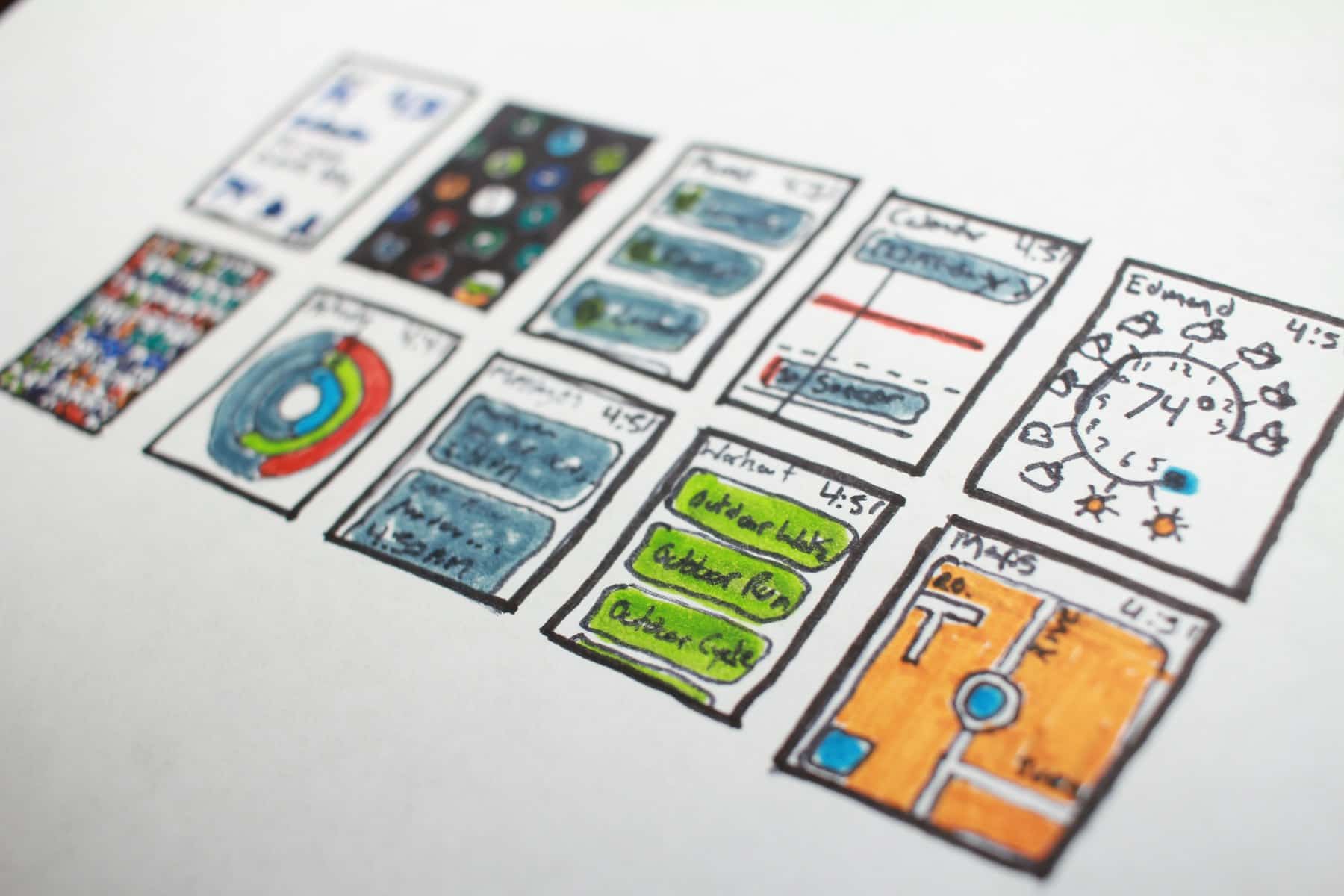
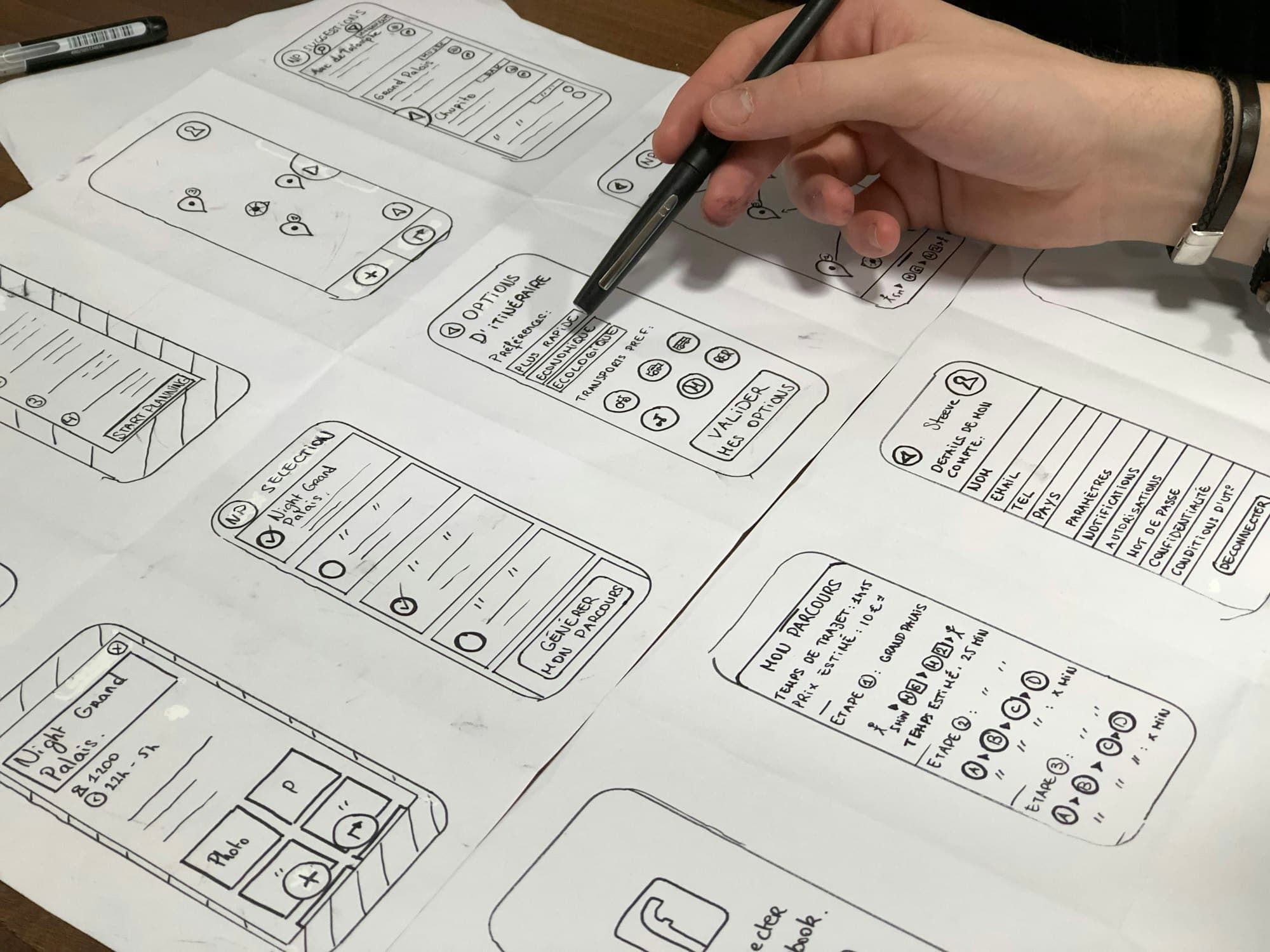
- Wireframes: simple layouts of every screen, focused on structure rather than looks.
- Visual design: the finished look, built on your brand, in a tool like Figma.
- Clickable prototype: tap through the app on a real phone and test it with a few customers before a single line of code is written.
Step 5: Build the app and its backend
What customers see is only part of an app. Behind it sits a backend: the servers, database, user accounts, payments, notifications and admin tools that make everything work. Plan both together.
A typical business app includes:
- User accounts and secure sign-in.
- A database for your customers, bookings, orders or content.
- Payments, if you take money in the app.
- Push notifications and email for confirmations and reminders.
- An admin dashboard so your team can manage everything.
- Integrations with the tools you already use, like your CRM or accounting software.
The best teams build in short cycles and show you working software every couple of weeks, so you can steer the product while it’s being made. If your app needs to connect to existing systems, our custom software development work covers that side.
Step 6: Test and launch
Before launch, test thoroughly:
- On real iPhones and Android devices, including older and smaller models.
- With real users, through a beta such as Apple’s TestFlight.
- For security: sign-in, data protection and payments.
- For performance on slow connections.
Then submit to the stores. Apple reviews every app against its App Review Guidelines (opens in a new tab), covering safety, performance, business practices, design and legal requirements. Reading them early avoids a rejected submission and a delayed launch. Prepare your store listing too: a clear name, screenshots, a description and a privacy policy.
Step 7: Grow and improve
Launch is the beginning, not the end. After launch you’ll want to:
- Measure how people actually use the app, and where they drop off.
- Fix issues quickly and ship regular improvements.
- Update the app for each new version of iOS and Android.
- Add the “should have” and “later” features that users prove they want.
- Keep hosting, security and backups running reliably.
How long does it take to build an app?
| Stage | Typical length |
|---|---|
| Discovery and planning | 2–4 weeks |
| UX and visual design | 3–6 weeks |
| Development (MVP) | 2–4 months |
| Testing and store launch | 2–4 weeks |
Most focused first versions take two to four months from start to launch. Larger apps with many user roles and integrations often take four to eight months. For what drives the budget, see our guide on what it costs to build an app.
Who should build your app?
You have three realistic options, and each suits a different situation:
- A freelancer. Can work well for a small, well-defined app, but one person rarely covers design, mobile development, backend, security and launch equally well, and you depend on their availability.
- An in-house team. Makes sense once the app is central to your business and you need full-time development. Hiring designers and developers takes time, and it’s a large ongoing cost for a first version.
- A development studio. A single team that handles strategy, design, the app, the backend, hosting and launch. Usually the fastest route to a polished first version, with support afterward.
Whoever you choose, ask these questions before you sign:
- Can I see apps you’ve designed and launched, and speak to those clients?
- Will I see and approve every screen before development starts?
- Who owns the source code, designs, data and store accounts?
- How often will I see working software during the build?
- What happens after launch: who handles updates, hosting and fixes?
Clear answers to those five questions tell you more about a team than any sales presentation.
Common mistakes to avoid
- Building everything at once. A bloated first version takes longer, costs more and is harder to use. Launch the MVP.
- Skipping design. Jumping straight into code leads to expensive rework later.
- Forgetting the backend. Accounts, payments and admin tools are often the largest part of the work.
- Not owning your accounts and code. Make sure the developer accounts, source code and data belong to your business.
- No plan after launch. Apps need updates, hosting and support to stay reliable.
Have an app idea for your business? We design and build iOS, Android and web apps end to end, from the first sketch to launch day. See how we approach app development, or tell us about your idea.
Frequently asked questions
How do I build an app for my business?
Validate the problem with real customers, plan a focused first version (MVP), design every screen, build the app and its backend, test on real devices, launch on the App Store and Google Play, then improve it based on how people actually use it.
How long does it take to build an app?
A focused first version usually takes two to four months from discovery to launch. Larger apps with many features, user roles and integrations commonly take four to eight months.
Should I build for iPhone or Android first?
Look at where your customers are. Many businesses build one cross-platform app that runs on both, which saves time and keeps features in sync.
Do I need a web app or a mobile app?
If customers need your service on the go, want notifications or use it often, a mobile app makes sense. If they mainly use it at a desk or occasionally, a web app can be faster and simpler to launch.

 Mohammad Alhawamdeh